Set your own intervals
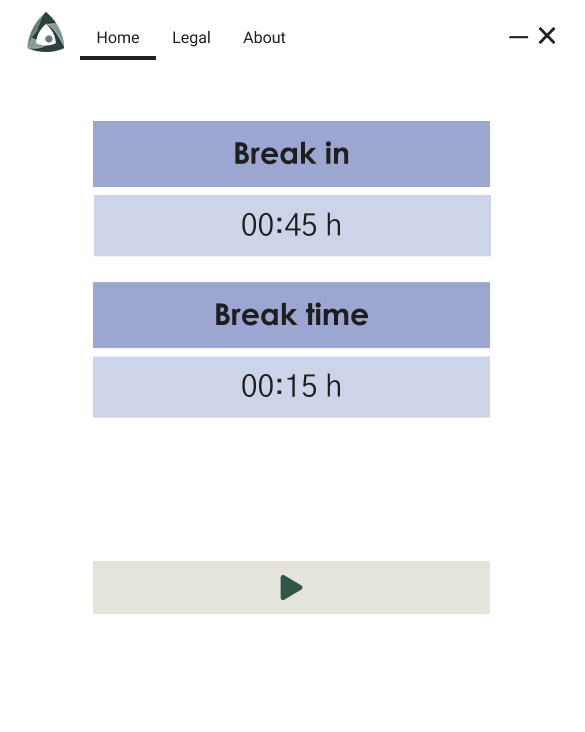
Choose how long you work and how long you rest.
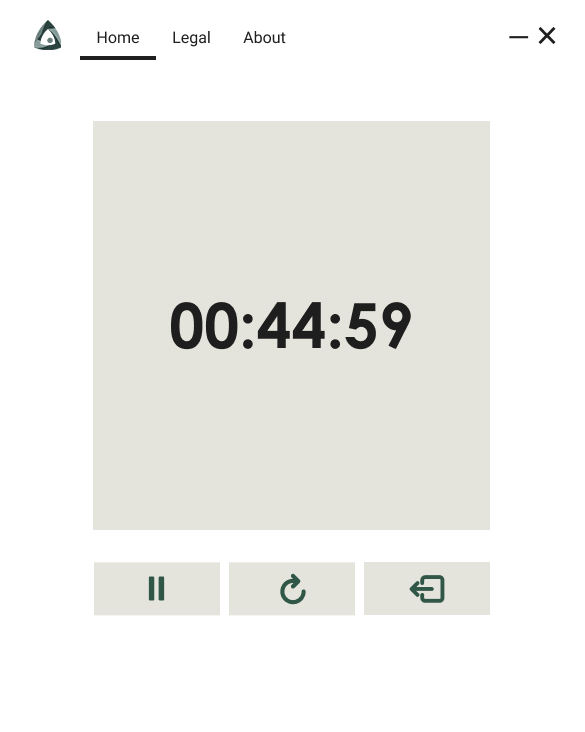
DeskRest quietly tracks your work session and reminds you when it’s time to take a break without interrupting your flow.
Features
DeskRest counts your work time and reminds you when a break is due. Our intuitive app helps you build a healthier work-rest balance by tracking your screen time and gently reminding you when it’s time to pause.
Take regular breaks, stay productive, recharge your mind, and stay focused. Feel better with Deskrest, and keep your day in balance.
Choose how long you work and how long you rest.
A calm nudge, never a locked screen.
Postpone the break and keep going.
New task, fresh session.
Take a second break when one was not enough.
How it works
Work and break lengths that suit your day.
A quiet notification when the session ends.
Take it, extend it, or reset and carry on.
Why it matters
Long stretches at a screen are hard to notice from the inside. Focus narrows, posture drifts, and blinking slows to roughly half its normal rate, which is what leaves eyes dry and gritty by mid-afternoon. A break reminder app works because it moves that decision off your shoulders: instead of relying on you to notice, DeskRest keeps count and tells you.
Optometrists commonly suggest that every 20 minutes you look at something about 20 feet away for 20 seconds. The idea is to let the focusing muscles in the eye relax, since holding a fixed close distance for hours is what tires them. Set DeskRest to a 20 minute session and you have the rule running on its own.
Others prefer the Pomodoro pattern: 25 minutes of work, 5 minutes off, with a longer rest after four rounds. Deep work often suits 50 or 90 minute blocks instead. DeskRest does not pick for you. Both the work session and the break length are yours to set, so whichever rhythm you follow, the timer matches it.
The reason most break timers get uninstalled is that they interrupt at the wrong moment. DeskRest never locks the screen or forces a pause. If the reminder lands mid-sentence, reset it and keep going. If one break was not enough, repeat it. Starting a new task? Restart the session so the count reflects what you are actually doing.
FAQ
Yes. No account, no subscription, no trial.
Windows 10 and Windows 11.
Yes, both the work session and the break length are yours to choose.
Reset the reminder and keep going. DeskRest nudges you again after the next session and never locks your screen.
It reminds you to look away, which is the part people forget. Regular short breaks are the standard advice for screen fatigue and dry eyes.
Yes. Set a 25 minute session with a 5 minute break, or any other pattern you prefer.
Download the installer, run it, set your intervals. Under a minute.